
Free plugin alternatives
Free transient shaper: Transmission vs Softube Transient Shaper
Transmission is a free transient-shaper VST3 for changing the attack and sustain of drums, percussion and other audio. If you are considering a paid tool such as Softube Transient Shaper, start by deciding whether you need full-band envelope shaping or separate processing of frequency regions.
Install Transmission through Liminal Loud Hub. Its current release supports Intel and Apple Silicon Macs on macOS 13 or later, plus Windows x64. Public installation requires Hub 0.3.16 or later.
What a transient shaper changes
The attack is the front edge of a sound: the click of a kick, the crack of a snare or the pick striking a string. Sustain is the body and decay that follow it. Changing those two parts can move an instrument forward or make it sit further back in a mix.
Try it when the tone is useful but the envelope feels wrong. A snare may need a shorter tail rather than a brighter EQ setting. A percussion loop may need gentler attacks rather than a lower fader. Listen in the track, because a more impressive solo sound can still crowd the arrangement.
Shape a hit with Transmission
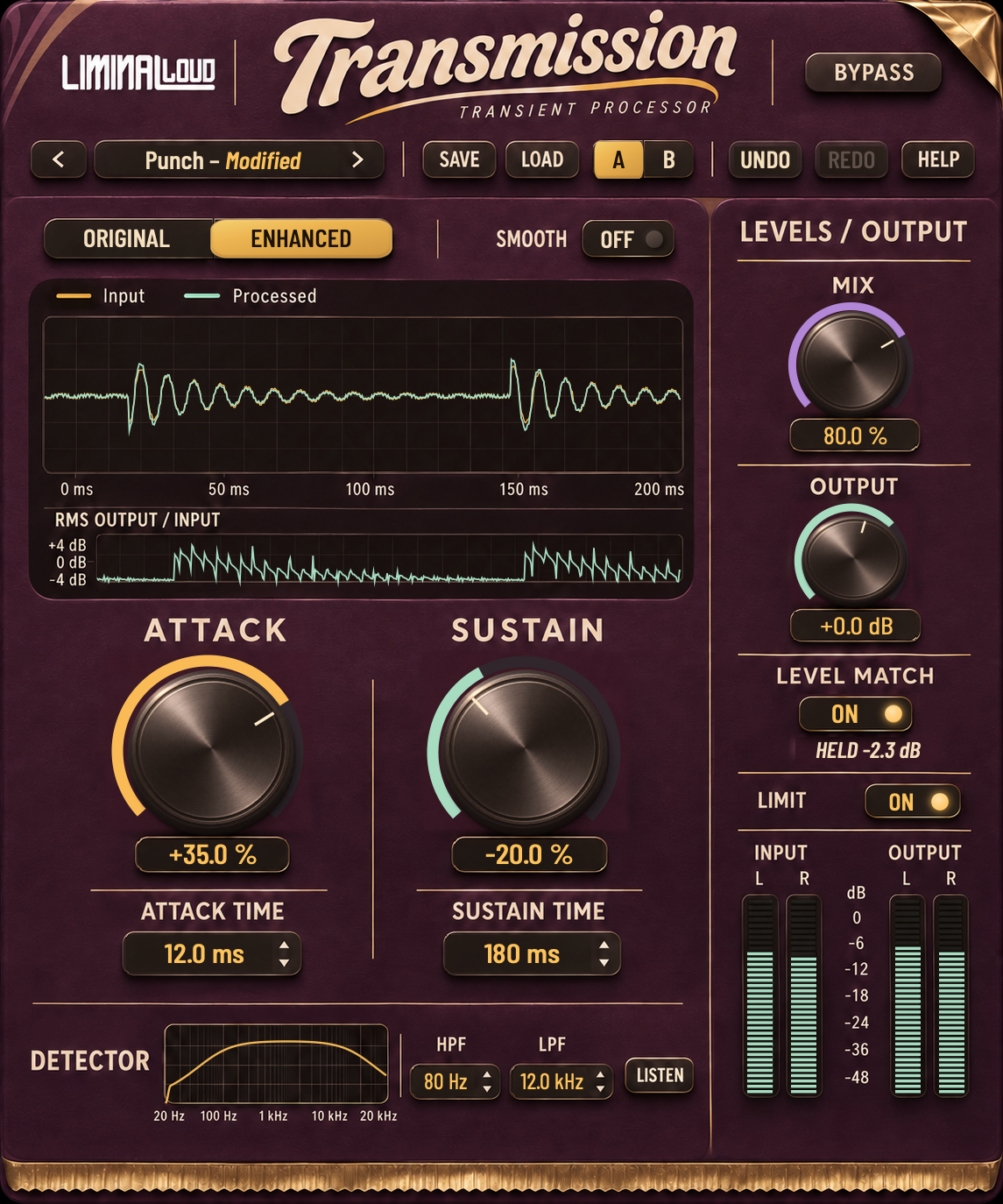
Transmission gives you Attack, Sustain, parallel Mix and Output. Raise or soften the leading edge, adjust the tail, then blend the result with the source. Original and Enhanced provide two operating modes; Enhanced adds detector timing, detector high-pass and low-pass filtering, Listen and measured Level Match.
The detector controls help define what drives the response. Audition the filtered input with Listen before deciding how strongly to shape the hit. Detector filtering and a split-band output processor are different tools; filtering the detector is not a promise that only that frequency region will be changed in the output.
Transmission and Softube Transient Shaper
Softube Transient Shaper is a paid plugin with Punch and Sustain controls. Its split-band operation can act on the bass, treble or full frequency range, with a selectable crossover. That is an important difference if you want to shape the low end separately from a drum loop's upper detail.
| Task | Transmission | Softube Transient Shaper |
|---|---|---|
| Cost | Free. | Paid plugin. |
| Envelope | Attack and Sustain with parallel Mix. | Punch and Sustain. |
| Frequency focus | Detector high-pass/low-pass controls in Enhanced. | Bass, treble or wide processing with crossover control. |
Transmission is a useful free starting point for shaping a whole hit and refining its detection. Choose a split-band tool when independent frequency-region processing is part of the job. This comparison describes the workflows; it does not claim the two plugins produce identical envelopes or sound.
Try a shorter snare tail
- Loop the snare in the mix and start with a neutral setting.
- Lower Sustain gradually until the tail makes room for the next event.
- Adjust Attack only if the front edge also needs changing.
- Blend with Mix, match the listening level and compare Bypass.
If the snare loses its body, reduce the amount or use more dry signal. Save the setting with the session after checking both the loudest and quietest hits. The Transmission page includes the current interface and illustrated user guide.