
Arrangement and automation
How to make a drop hit harder with pre-drop automation
To make a drop feel larger, automate a controlled pullback before it and restore the sound on the first drop beat. Try reducing some low end, brightness, stereo width and level during the build. Check that the return lands on time and that the full drop level stays under control.
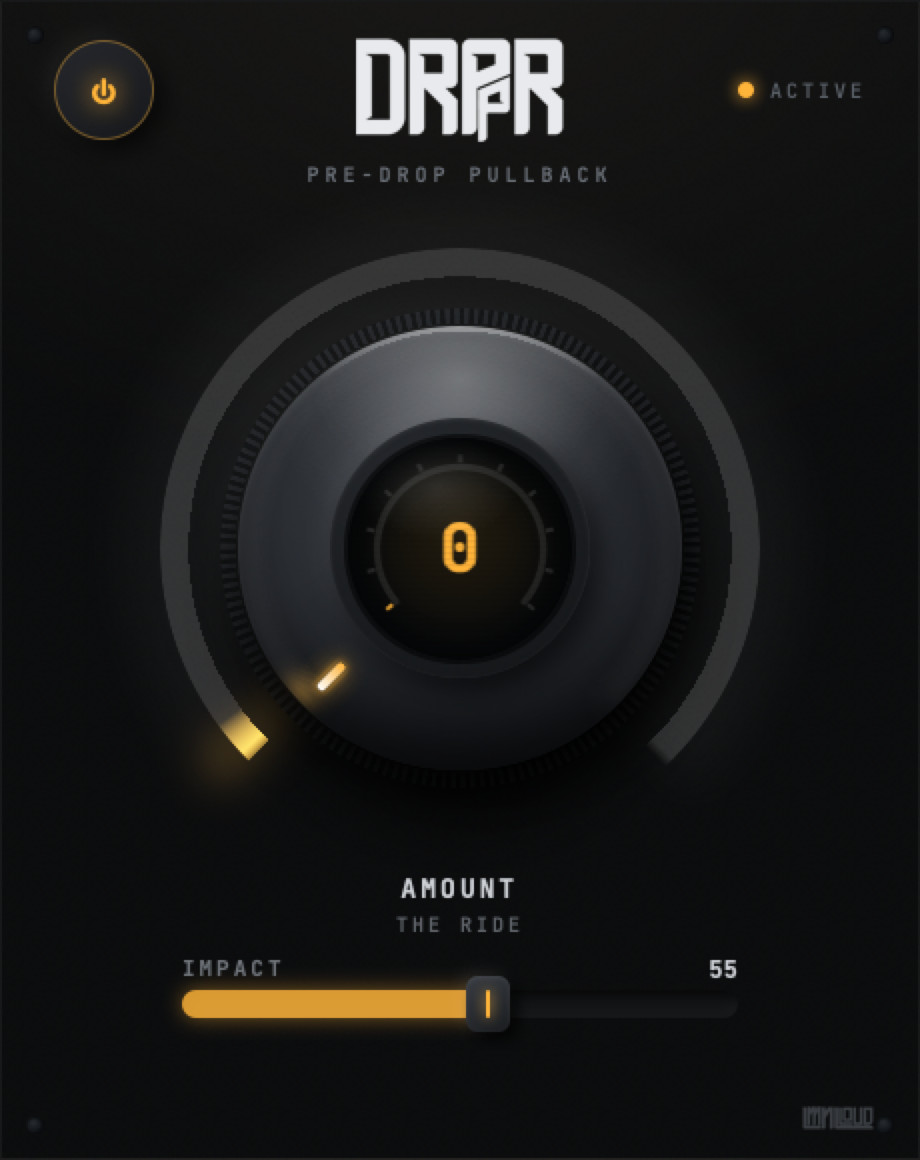
DRPPR (Dropper) combines those moves in one macro. Amount is the ride you automate; Impact sets how deep the pullback can go. The plugin relies on your performance or DAW automation to return Amount to zero.
Choose what should pull back
Start on a music bus containing pads, chords or a bass layer. Keep an important riser, vocal or drum outside it if that part needs to stay present through the transition. You can try the whole mix later, once you know which parts should change.
Audition the final two bars of the build and the first two bars of the drop together. A build that sounds impressive in isolation can still leave the transition late, thin or too loud.
Write a two-bar Amount ride
- Insert DRPPR and start at Amount 0, Impact 55. Leave a clear zero-value automation point before the build.
- Raise Amount across the final two bars. Try a gradual rise first, then a steeper curve near the end if the arrangement needs a later pullback.
- Place Amount 0 on the first drop beat. Make the endpoint explicit in the host's automation lane.
- Play across the join. Check the return by ear and with the DAW's meters. Reduce Impact if the contrast creates a larger jump than the mix can support.
This is an arrangement example rather than a factory timing mode. DRPPR has no tempo sync, automatic end-of-build scheduler or built-in reset at the drop. Its Amount value stays where the host or your last move leaves it.
Set depth with Impact
At Amount 100 and Impact 55, the settled macro settings are approximately an 88.7 Hz high-pass, a −2.2 dB high shelf at 8 kHz, 50.5% side width and −3.3 dB gain. Those are processing settings, not a prediction of the measured output level of your track.
At Impact 100, the full Amount ride reaches a 300 Hz high-pass, a −4 dB shelf, 10% side width and −6 dB gain. That is a much deeper pullback. Try it as an effect, then lower Impact until the build still carries the energy you need.
The moves are staggered across Amount's travel. Their combined response means a straight automation ramp can still sound more dramatic near its end. Listen before drawing a more complicated curve.
Make the return deliberate
Zoom into the build-to-drop join. Check that the automation reaches zero on the intended beat and that the DAW is reading the lane. A held nonzero Amount keeps the filtering, narrowing and attenuation active after the drop arrives.
If an abrupt return feels wrong, try reaching zero a little earlier or shaping a short return in the automation lane. Compare against the unprocessed transition at a similar listening level. The aim is a clear contrast that supports the arrangement.
Understand zero and bypass
Amount 0 restores the macro's baseline tone, width and gain settings. Processing still includes a 20 Hz high-pass at Amount 0 or Impact 0. Use DRPPR's power bypass when you need unchanged passthrough for a comparison.
The center number displays Amount, and ACTIVE follows the processing power state. Neither is an audio meter. Use the host's meters to check the level jump and any downstream clipping when the full signal returns.
Separate the build from kick ducking
A pre-drop ride shapes a section of the arrangement. Kick-and-bass ducking creates space around individual hits. If the drop arrives at full size but the kick still clashes with the bass, work on the bass ducking separately.
The kick-and-bass sidechain guide covers that setup with free HELLAFLO. For the build, keep DRPPR's resting Amount at zero outside the sections where you want the pullback, and confirm the lane after moving or duplicating clips.